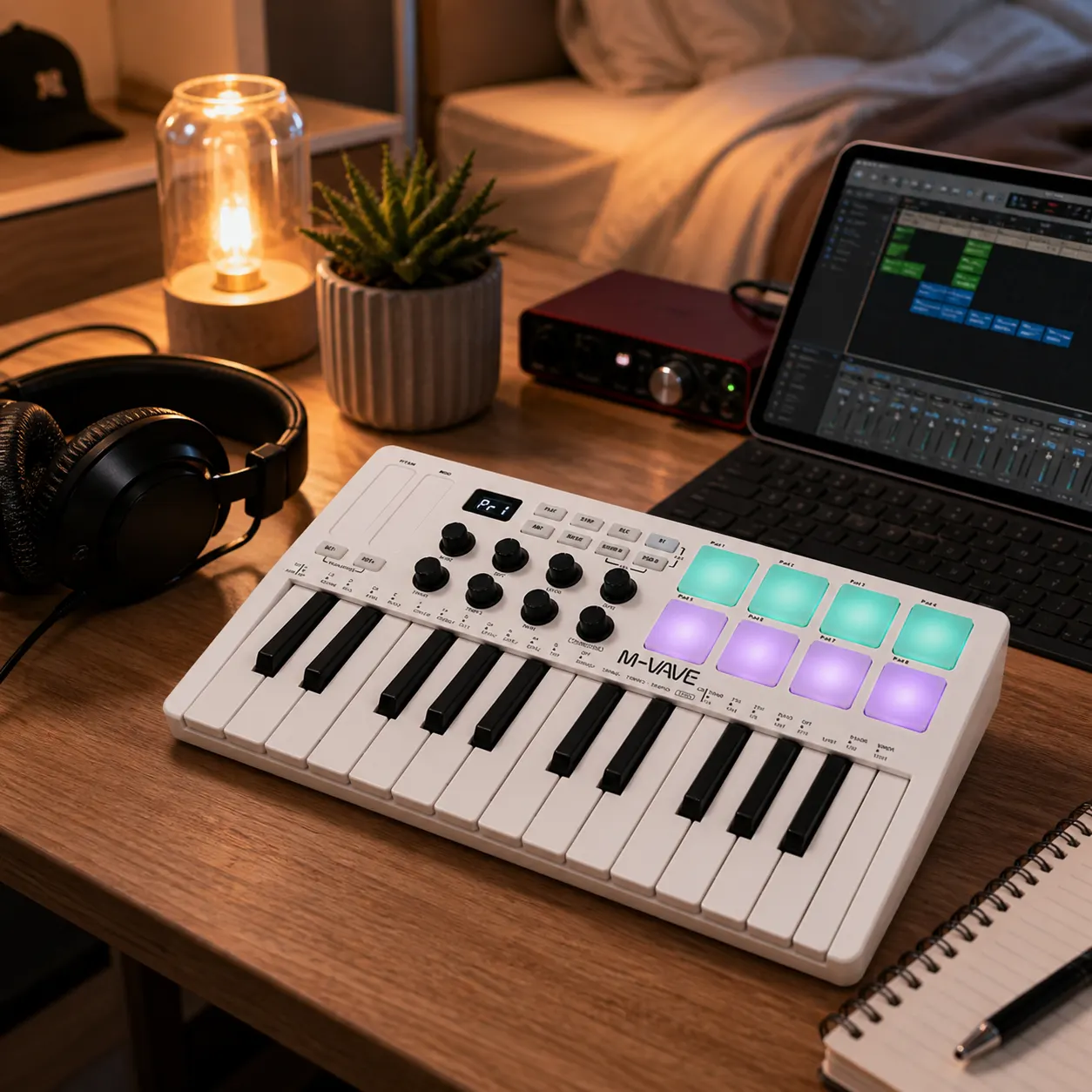
Short answer: A 25-key MIDI controller can be beginner friendly when the real job is entering melodies, bass lines and short chord ideas into a DAW from a small desk. The M-VAVE SMK-25 White is documented as a 25-key MIDI keyboard controller with an ABS material listing and an SMK-25 colour configuration. Those facts support a compact software-input use case. They do not confirm built-in sounds, named DAW compatibility, wireless operation, pads, knobs, key action, dimensions or bundled software. Treat it as a first controller to assess against your desk, computer and writing habits, not as a digital piano or complete music studio.
What beginner job does 25 keys solve?
The useful beginner question is not whether 25 keys can replace every keyboard. It is whether a small physical keybed will make your first repeated task easier. If you are currently drawing notes with a mouse, a compact controller can give you a more direct way to sketch a bass phrase, lead line or short chord pattern before editing it in the piano roll.
That makes the format a reasonable starting point for a laptop-centred bedroom studio, shared flat or desk that must be cleared after a session. It is less convincing for two-handed piano practice, wide voicings or playing long passages across several octaves. The right boundary is the task you expect to repeat this month.
| Typical first task | How 25 keys may fit | Boundary to check |
|---|---|---|
| Bass or lead sketch | A compact input range can be practical | Parts that move across many octaves may need range changes |
| Short chord idea | Useful for compact voicings and one part at a time | Wide two-handed voicings may feel restricted |
| Piano practice | Not supported by the product category alone | Choose a keyboard designed for the playing range and feel you need |
What the M-VAVE listing confirms
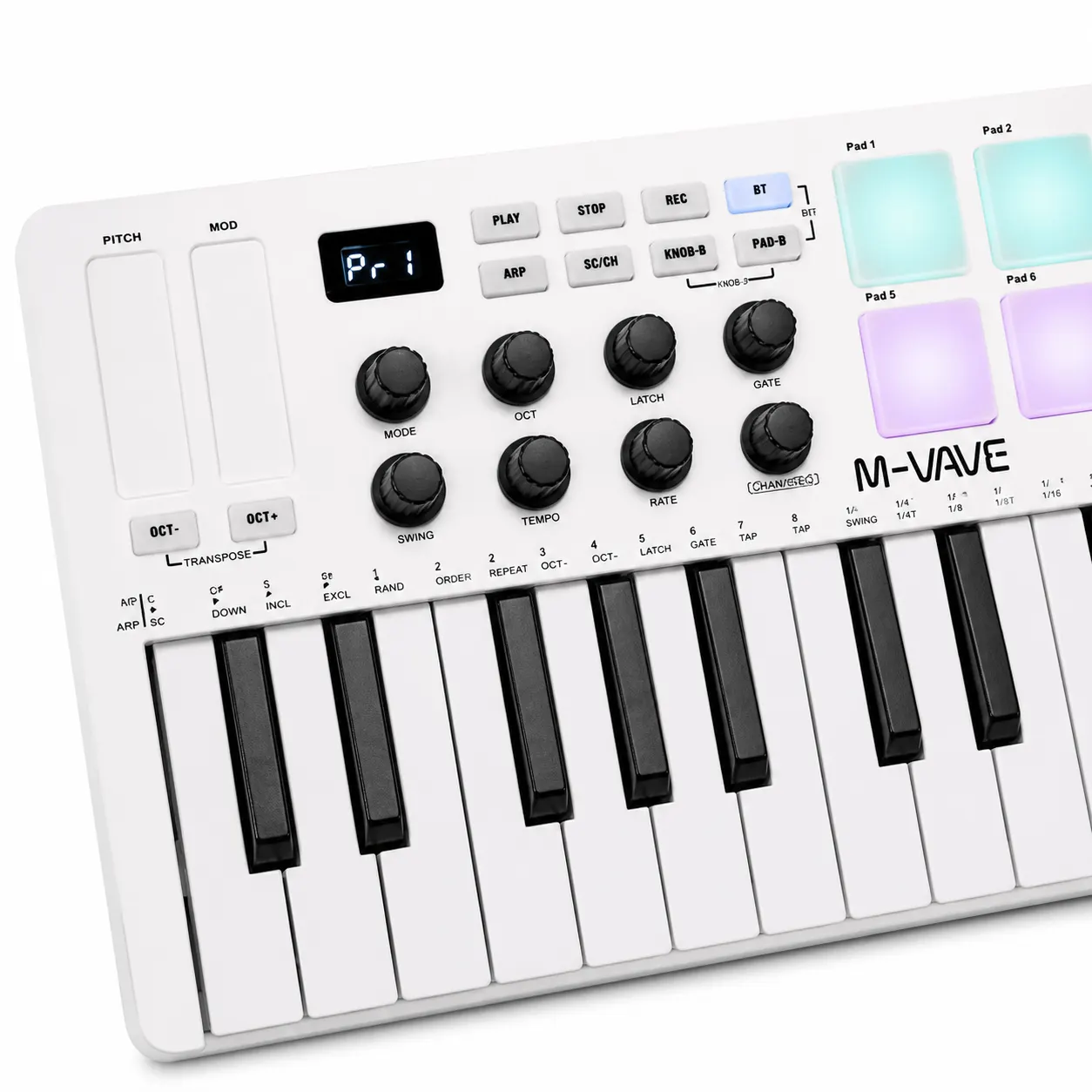
The current product page identifies the selected item as the M-VAVE SMK-25 White 25-Key MIDI Controller. It lists the product category as a 25-key MIDI keyboard, names the SMK-25 colour configuration and lists ABS material. Those are useful facts for deciding whether the basic category and selected finish match your desk.
The same page does not publish a complete beginner feature sheet. The manufacturer does not specify bundled software, named DAW compatibility, wireless operation, built-in sounds, pad count, knob count, key action, dimensions, weight, latency or certification. Do not fill those gaps from photographs, another SMK model or a tutorial about a different controller.
- Use the exact M-VAVE SMK-25 name when checking the listing.
- Treat the 25-key MIDI keyboard category as the confirmed product scope.
- Keep unlisted controls and software support as unknown until the seller or manufacturer documents them.
A beginner setup check before buying
A short desk check is more useful than imagining an ideal studio. Put your laptop, mouse or trackpad and headphones where they normally sit. Then decide whether the controller can stay reachable without covering the controls you already use. The product page does not specify dimensions, so measure the available surface against the current item listing before you rely on a particular footprint.
Next, open the software you actually intend to use and write down what must work on day one. That might be basic note input, a particular connection, a virtual instrument or a preferred way to change octave range. If your plan depends on any feature that is not listed, mark it as a question rather than treating the controller category as proof.
- List the first three musical tasks you want to perform with physical keys.
- Measure the clear desk area and compare it with the current product information.
- Check the computer and DAW requirements for your own setup.
- Ask for confirmation of any missing control, cable, software or compatibility detail.
Who should choose a larger instrument?
A beginner should look beyond 25 keys when the main aim is piano study, two-handed arrangements or comfortable playing across a broad register. That is a workflow mismatch, not a defect claim. A compact controller can still be useful for production while being the wrong first purchase for someone who wants an instrument to practise on without relying on a DAW.
The same caution applies to live or performance-led plans. The product page does not specify key action, controls, mapping, latency, reliability or stage-oriented features. If those details determine the purchase, the manufacturer does not specify them on the page and you should obtain written confirmation or compare a better-documented product.
Related guides and product details
Choose the M-VAVE SMK-25 when a compact 25-key MIDI input surface matches your actual DAW workflow. If your goal is piano practice, broad two-handed playing or a documented control surface, keep looking until those requirements are evidenced. Read Are 25 Keys Enough for a MIDI Controller? for related guidance. Read MIDI Keyboard Controller for Beginners in the UK for related guidance. Review the documented specification on the M-VAVE SMK-25 White 25-Key MIDI Controller product page before ordering.
Sources and safety context
- Supports the model name, selected configuration, 25-key MIDI keyboard category and ABS material. Current Backldrum product page.
- Provides general context for MIDI as a digital music communication standard; it does not confirm features of this SKU. MIDI Association: What is MIDI?.